
Overview
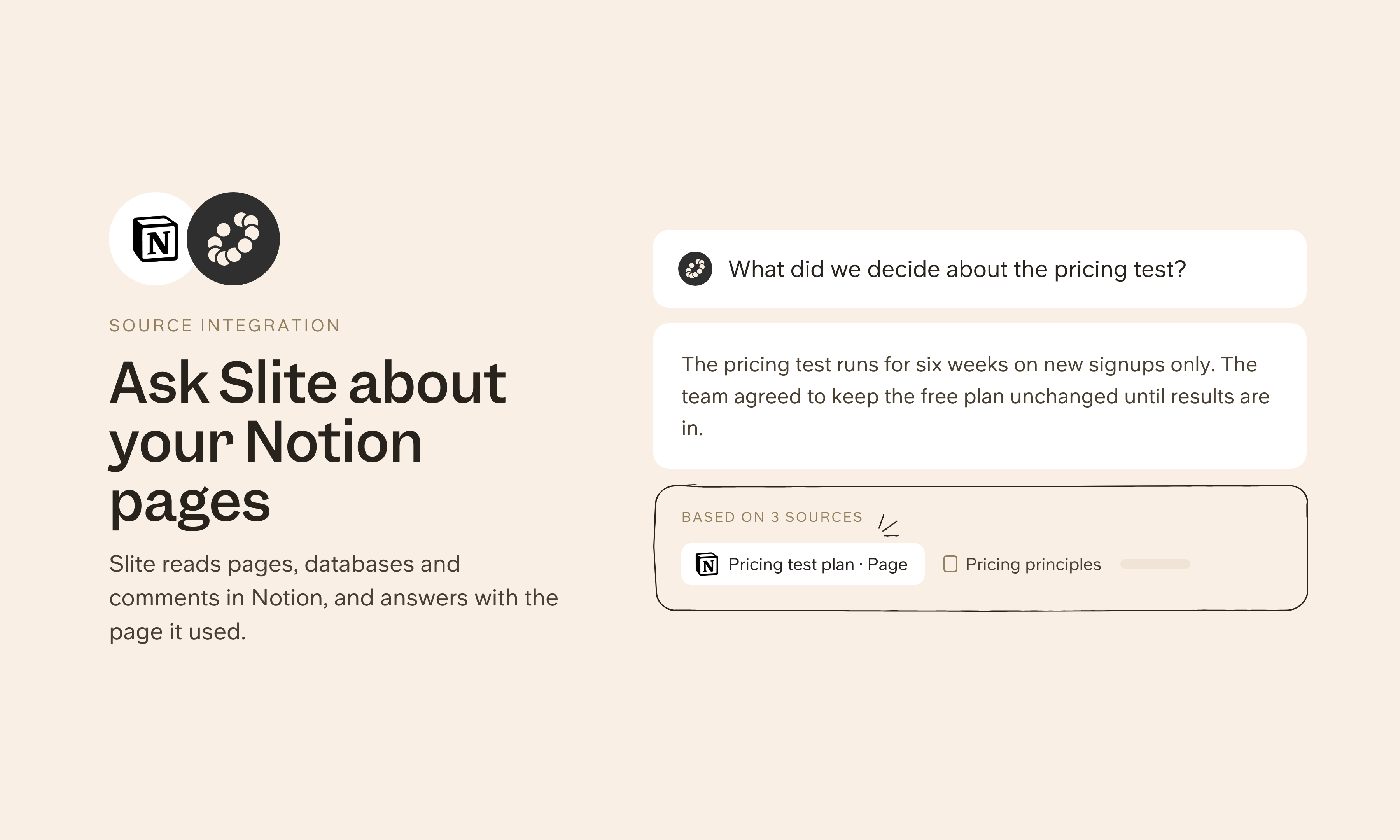
Many teams still keep part of their knowledge in Notion, and nobody wants to migrate everything at once. With Slite you can embed Notion pages and databases as live previews in your docs, and connect Notion as a source so Slite can answer questions from your Notion content alongside everything else in your stack.
How it works
To embed, paste a Notion page or database URL into your Slite doc, or use /embed. The Notion content appears as a live preview that reflects the latest version.
To use Notion as a source, connect your Notion workspace from Agent sources in Slite's settings and pick the top-level pages to sync. Slite can then answer from those pages and their child pages. Admins choose who in Slite can ask about the Notion source, and people don't need a Notion account.
Need help setting up your Notion integration with Slite? Contact support .
We take privacy seriously. Slite is SOC 2 Type II certified, GDPR and HIPAA compliant, with all data encrypted in transit and at rest on EU-based infrastructure. Your data is never used to train, nor retained by, third-party LLMs. See our security page for more information.