
Overview
Cursor is the AI code editor many engineering teams use to write and review code. Connect Slite to Cursor and you can pull answers from your specs, runbooks and technical docs while you code, and create or update Slite docs without leaving the editor.
How it works
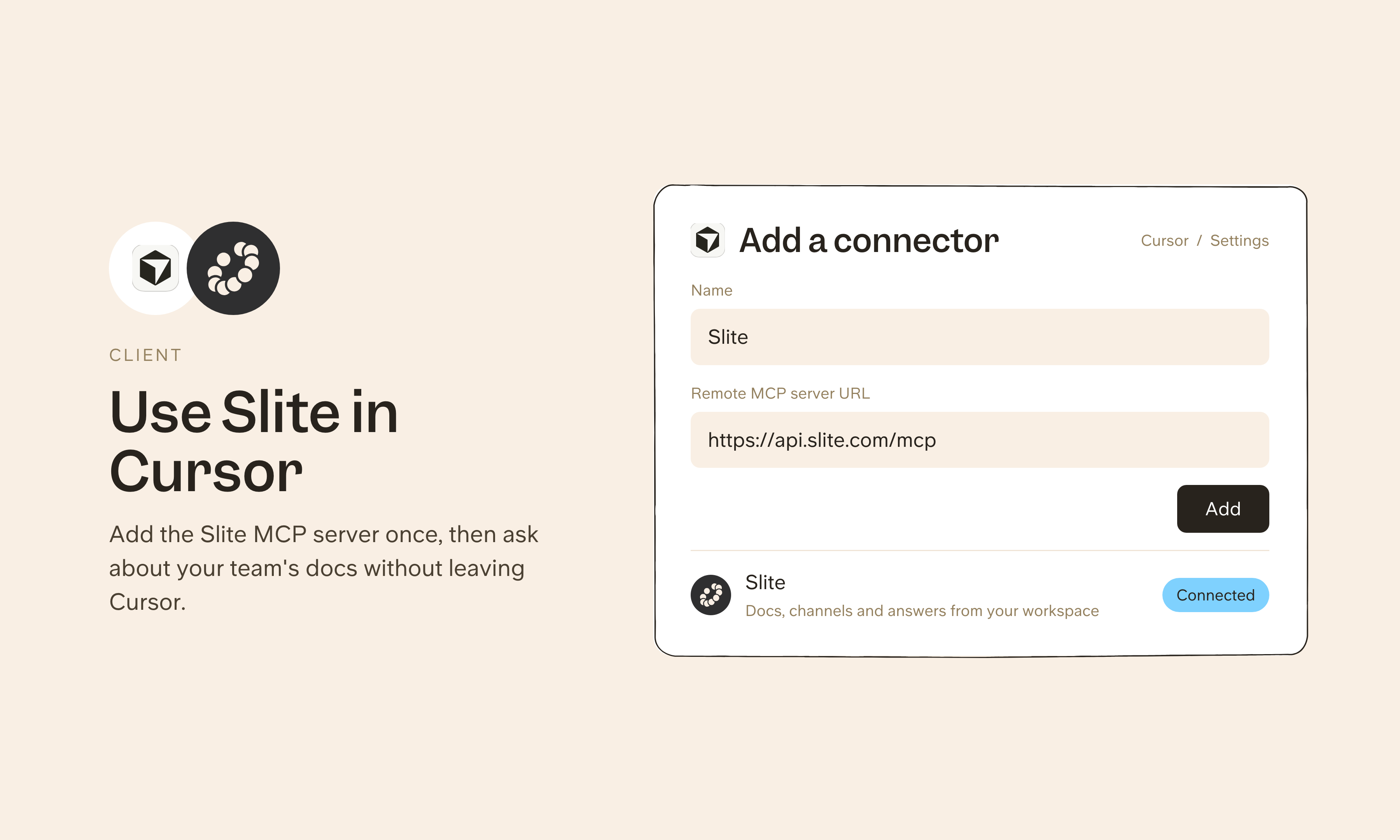
In Cursor, open ~/.cursor/mcp.json to use Slite in every project, or .cursor/mcp.json for a single project, and add a server named slite with the url https://api.slite.com/mcp under mcpServers. Cursor picks it up, and you complete the Slite sign-in when prompted. There are no API keys to copy. You can turn the server on or off later from Customize in the sidebar.
Once connected, Cursor can search your Slite docs and connected sources to answer questions, and draft or edit docs when you ask.
Need help setting up your Cursor integration with Slite? contact support .
🔒 We take privacy seriously. Slite is SOC 2 Type II certified, GDPR and HIPAA compliant, with all data encrypted in transit and at rest on EU-based infrastructure. Your data is never used to train, nor retained by, third-party LLMs. See our security page for more information.


